Use ScrimParse during the block or import ScrimSense and ScrimParser files afterward.
VALORANT team workspace
The desktop workspace for VALORANT teams.
Import ScrimSense or ScrimParser JSONs, build a searchable pracc history, and turn every round into player stats, minimap moments, economy context, opponent tiers, and review notes your team can act on.
Latest Windows build delivered through GitHub Releases.
How it works
One clean loop for every practice block.
LP-Hub is built around the moment your team actually needs it: before the lobby, during the match, and immediately after the scrim ends.
The app can sit in the tray so your team is not distracted by AI tools during gameplay.
History, filters, player stats, timelines, minimap events, notes, and AI Assistant Coach live together.
Product surfaces
Built around the real work after every scrim.
Team operations, ScrimParse imports, pracc analytics, AI Assistant Coach, and Strategy Board stay connected so the next decision always starts from evidence.
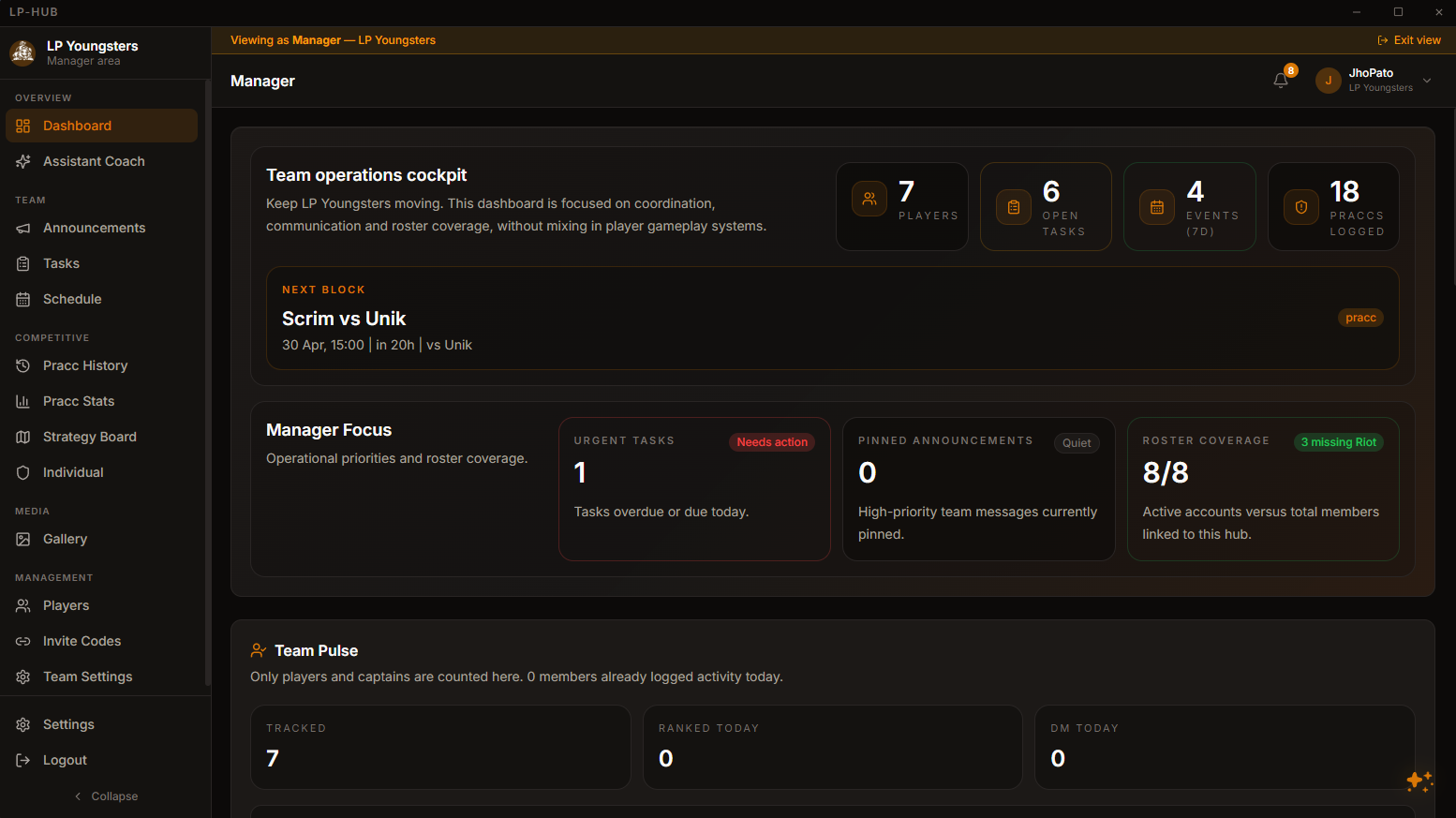
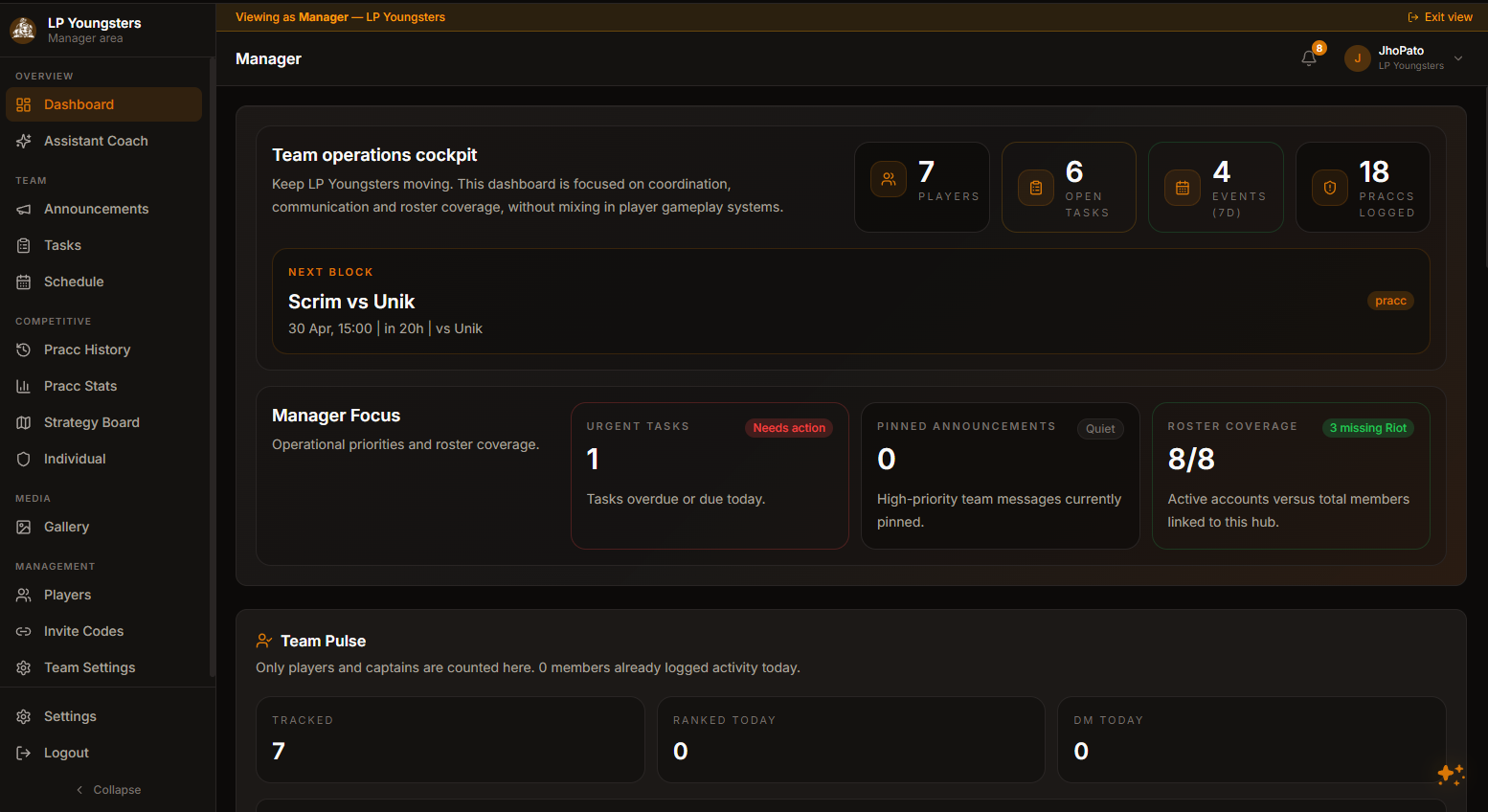
Team operations
Hub overview
Know the next block, roster coverage, tasks, and team activity.
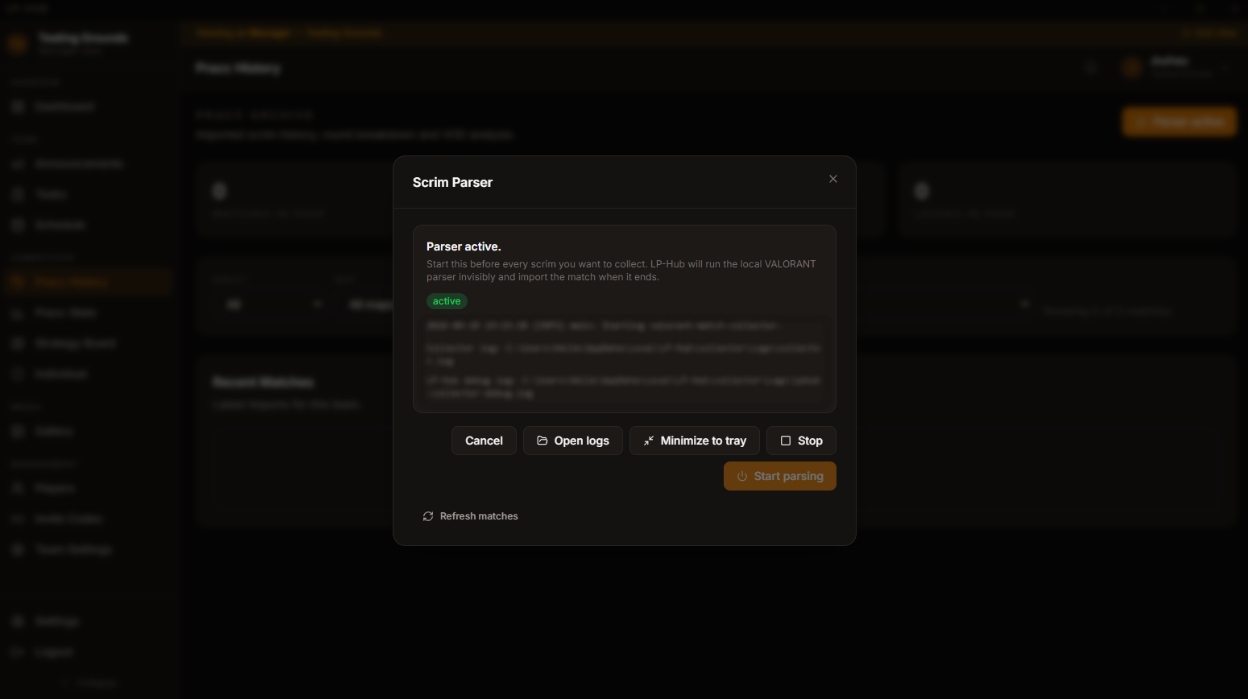
ScrimParse
ScrimParse
Start capture manually, minimize to tray, or import scrim JSONs from external parsers.
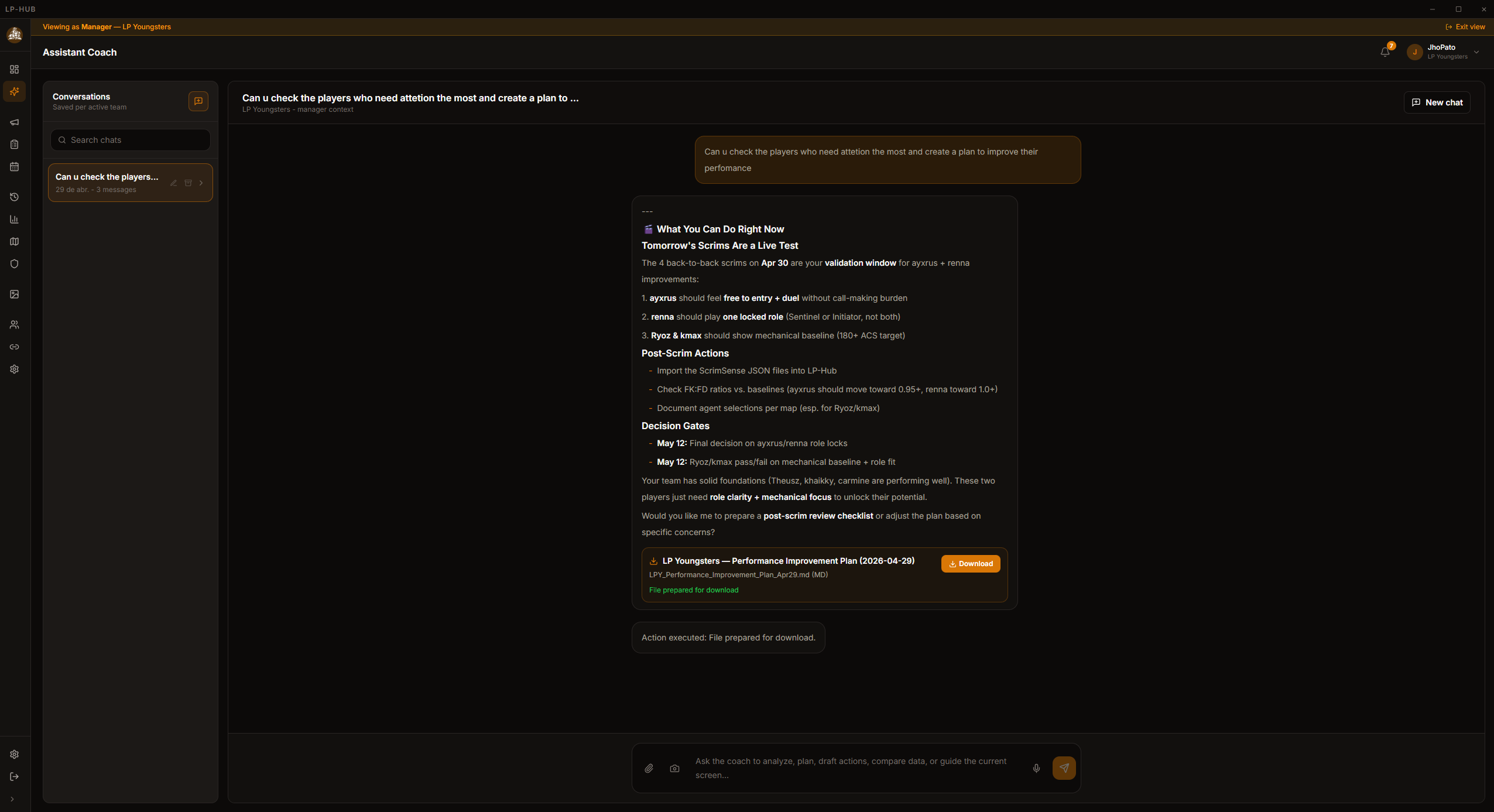
AI review
AI Assistant Coach
Turn match context, round notes, stats, and files into review plans and follow-ups.
Strategy planning
Strategy Board
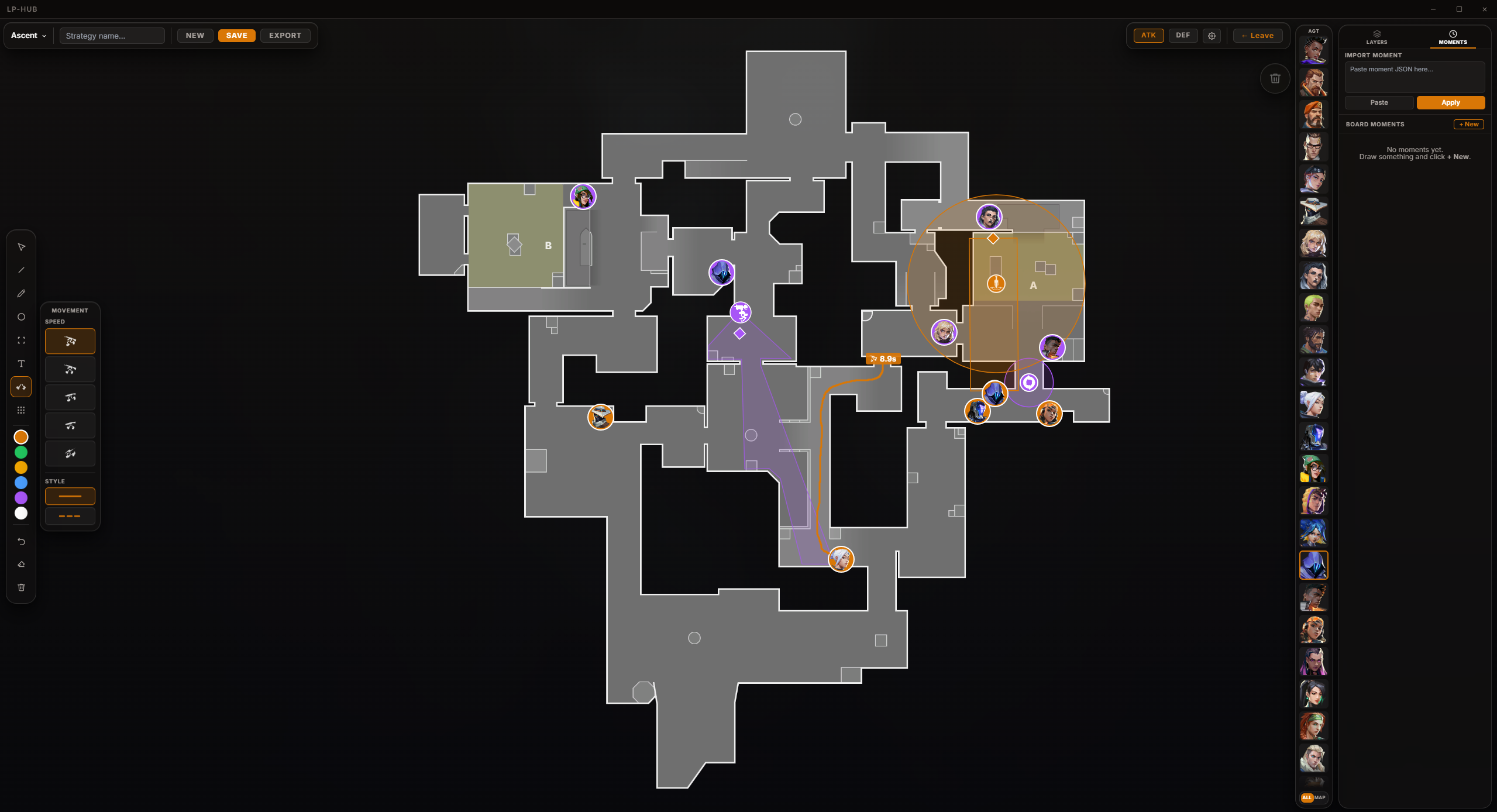
Prepare maps with agents, utility, layers, and references from actual round moments.
Scrim intelligence
From raw JSON to answers coaches can use.
LP-Hub enriches scrims with player metrics, map context, round events, economy states, and opponent metadata so review is faster than opening a replay from zero.
Security model
Match data goes to LP-Hub. Riot tokens stay local.
ScrimParse is local-first where it matters. It reads the Riot session on the user machine, supports imported JSONs, and sends match details plus scoped team metadata to your backend.
Manual startScrimParse runs only when the user starts parsing for a practice block.
Local Riot authRiot access tokens are used locally and are not stored by the LP-Hub backend.
Scoped ingestCollector API keys are limited to match upload for the selected team.
RevocableCollector sessions can be rotated or revoked without touching normal login tokens.
AI Assistant Coach
Ask questions while staying inside the workflow.
Open the quick composer, record audio, attach files, include screenshots, and analyze the scrims your team just imported. AI Assistant Coach works with LP-Hub context instead of treating every question like a blank chat.
Quick composerOpen a compact AI Assistant Coach surface without leaving the page you are on.
Voice notesStart and stop microphone capture for fast post-pracc thoughts.
ContextUse visible screen data, attachments, team history, pracc stats, and round notes.
OutputsDraft summaries, practice plans, CSV or JSON exports, and follow-up tasks.
Team system
Everything around the review, not just the match.
Scrim data matters because it lands beside the team's schedule, goals, boards, tasks, scouting context, and follow-up history.
FAQ
Common questions before downloading.
Everything coaches and managers ask in the first conversation — invites, pricing, OS support, security, and how LP-Hub plays with the parsers your team already uses.
Do I need an invite to use LP-Hub?
Yes. LP-Hub is currently in invite-only Beta. Apply for Beta access on the request-access page and we'll send you an invite code.
How much does LP-Hub cost?
LP-Hub is free during the Beta. After the Beta ends we'll launch progressive paid tiers — final pricing isn't published yet.
Does LP-Hub work on Mac or Linux?
Today LP-Hub is Windows-only (Windows 10 and Windows 11). Most VALORANT players already run Windows because the game itself does. Mac and Linux are not on the near-term roadmap.
Does LP-Hub work with ScrimSense and ScrimParser?
Yes — LP-Hub imports JSONs from both ScrimSense and ScrimParser, including legacy match files. We sit on top of your existing collector instead of replacing it. LP-Hub also ships with its own local capture tool called ScrimParse.
Will using LP-Hub get my Riot account banned?
No. ScrimParse uses your local Riot session on your machine and never sends Riot tokens to the LP-Hub backend. Only match data is uploaded. The setup mirrors how other VALORANT scrim parsers operate today.
How is my team's data stored and protected?
Match data is uploaded to LP-Hub over an encrypted connection. Riot session tokens stay on the user's machine. Collector API keys are scoped per team and revocable without touching normal logins. A full privacy policy will be published before paid tiers launch.
Is LP-Hub open source?
A simplified version of ScrimParse will be open-sourced long-term. The full LP-Hub workspace itself stays closed-source.
How do I get started with LP-Hub?
Apply for Beta access, install the Windows app, register with the invite code we send you, then create or join a team and import your first scrim. The whole flow takes a few minutes.
Ready for your next practice block?
Install LP-Hub, capture or import the scrim JSON, and review the block from one place. The download is served through GitHub Releases.